 Eremite

Play tabletop RPGs solo, anywhere
Run a solo tabletop campaign on your iPad or iPhone, from the first dice roll to the campaign wiki.

Free to start
How solo play works
You play your character and run the game yourself. When you'd normally ask the GM "What's behind this door?", you ask the oracle or roll on a table, and the answer tells you what happens next. Eremite keeps your map, dice, and notes in one place while you play.
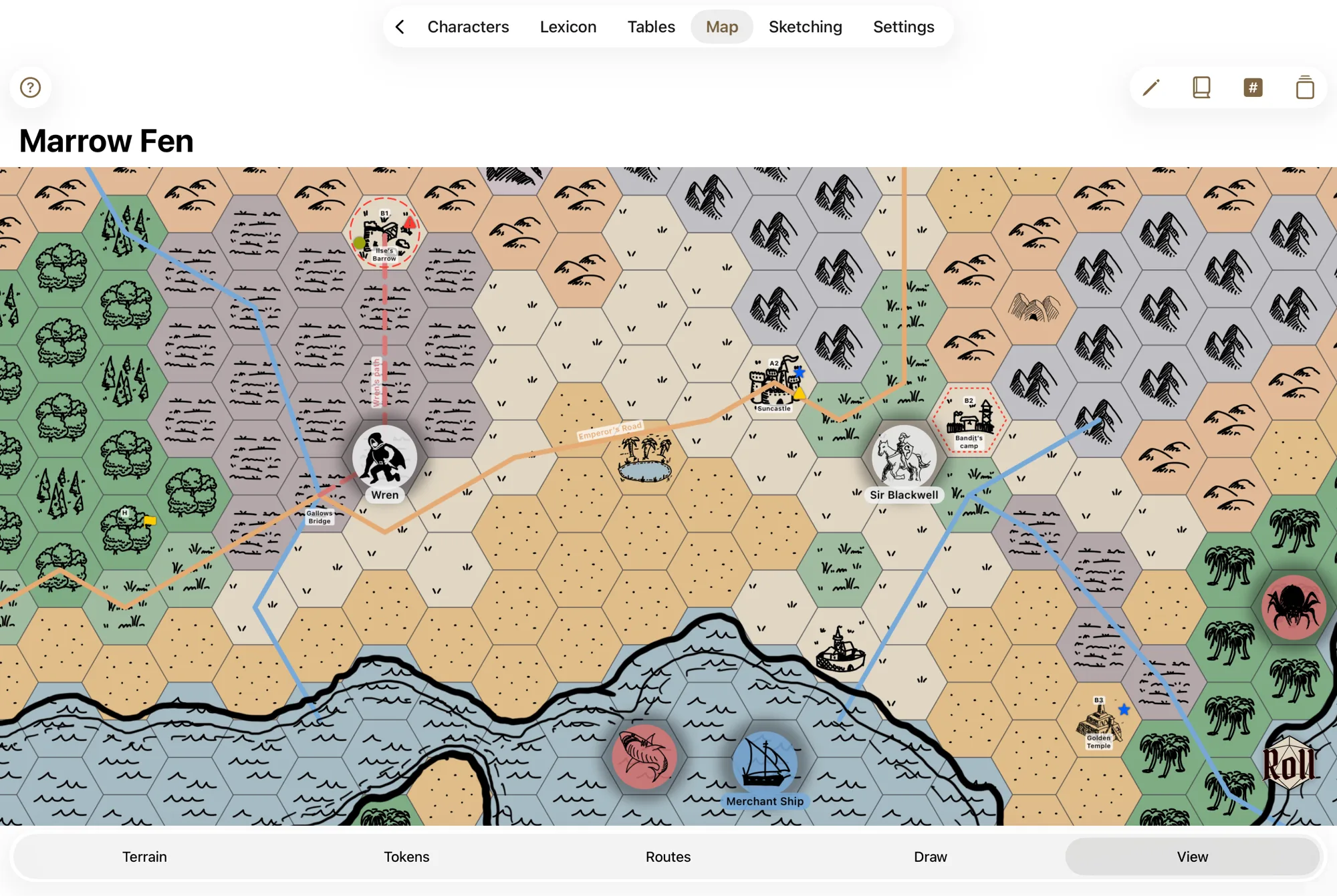
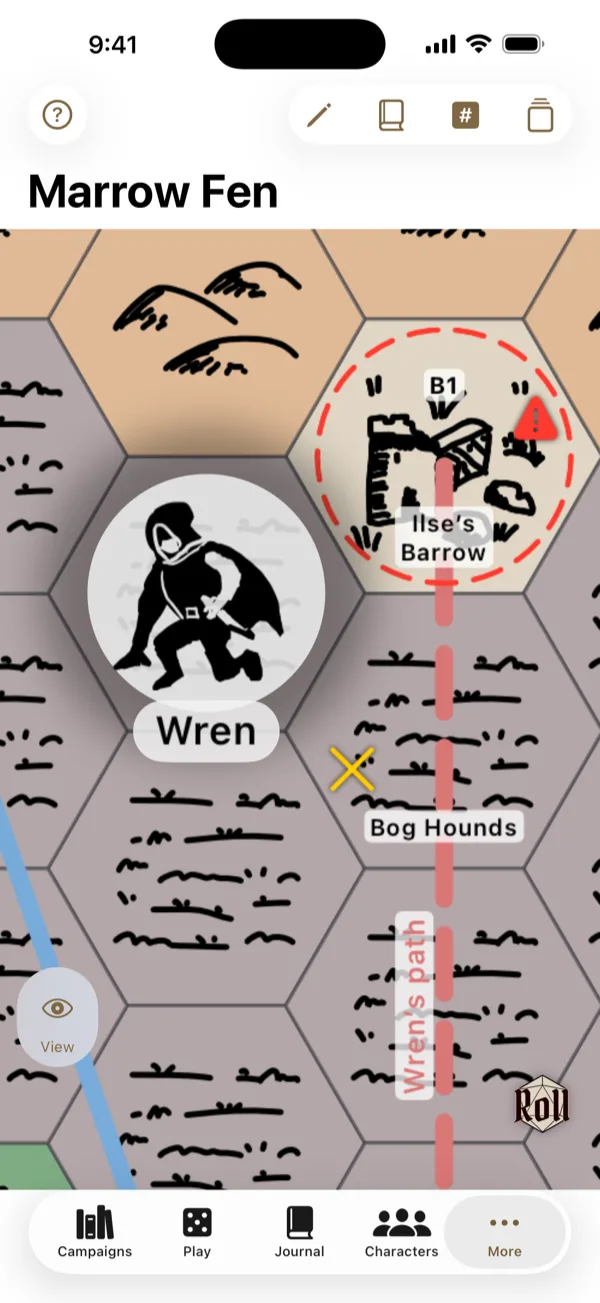
Hex maps you can draw on
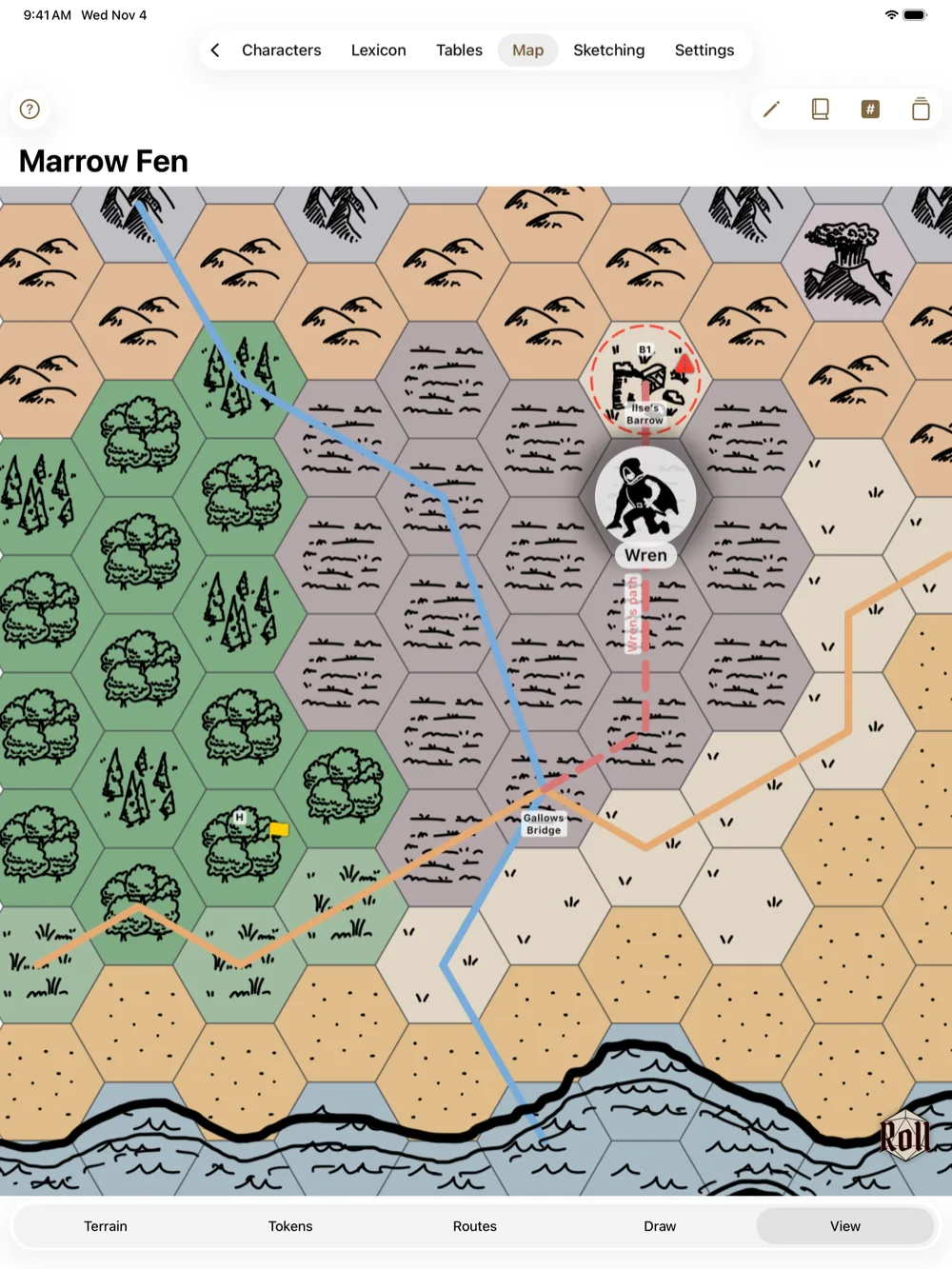
Paint terrain, fill whole regions, and draw roads and rivers. Move tokens and sketch right on the map with Apple Pencil.
Name and mark every hex
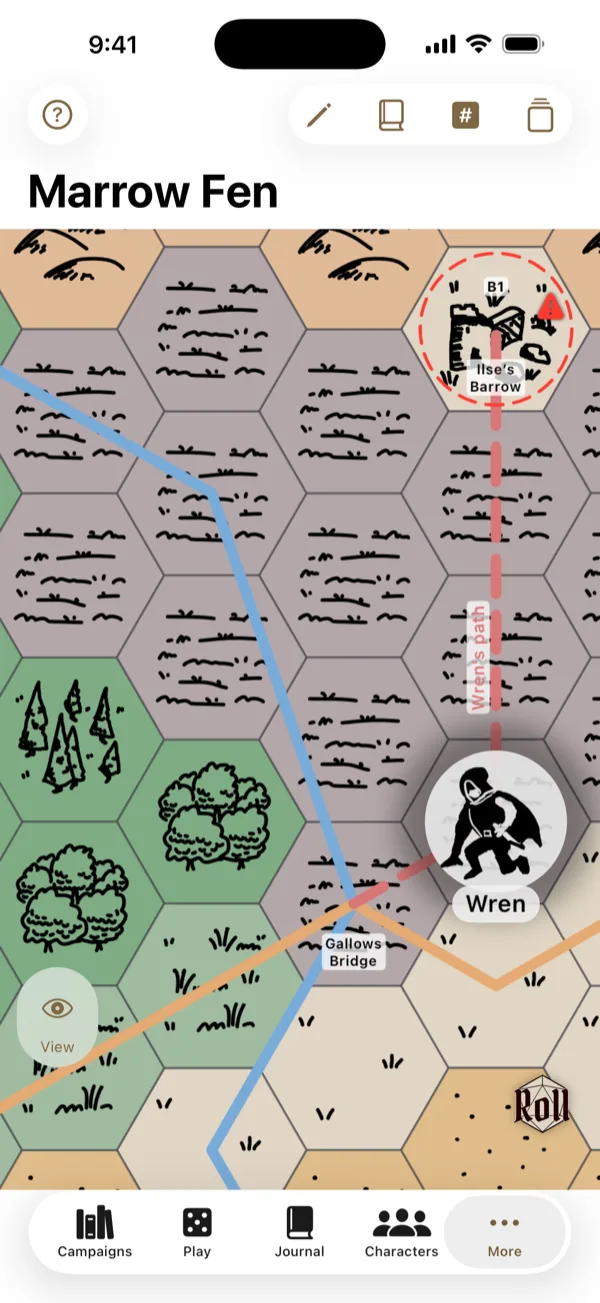
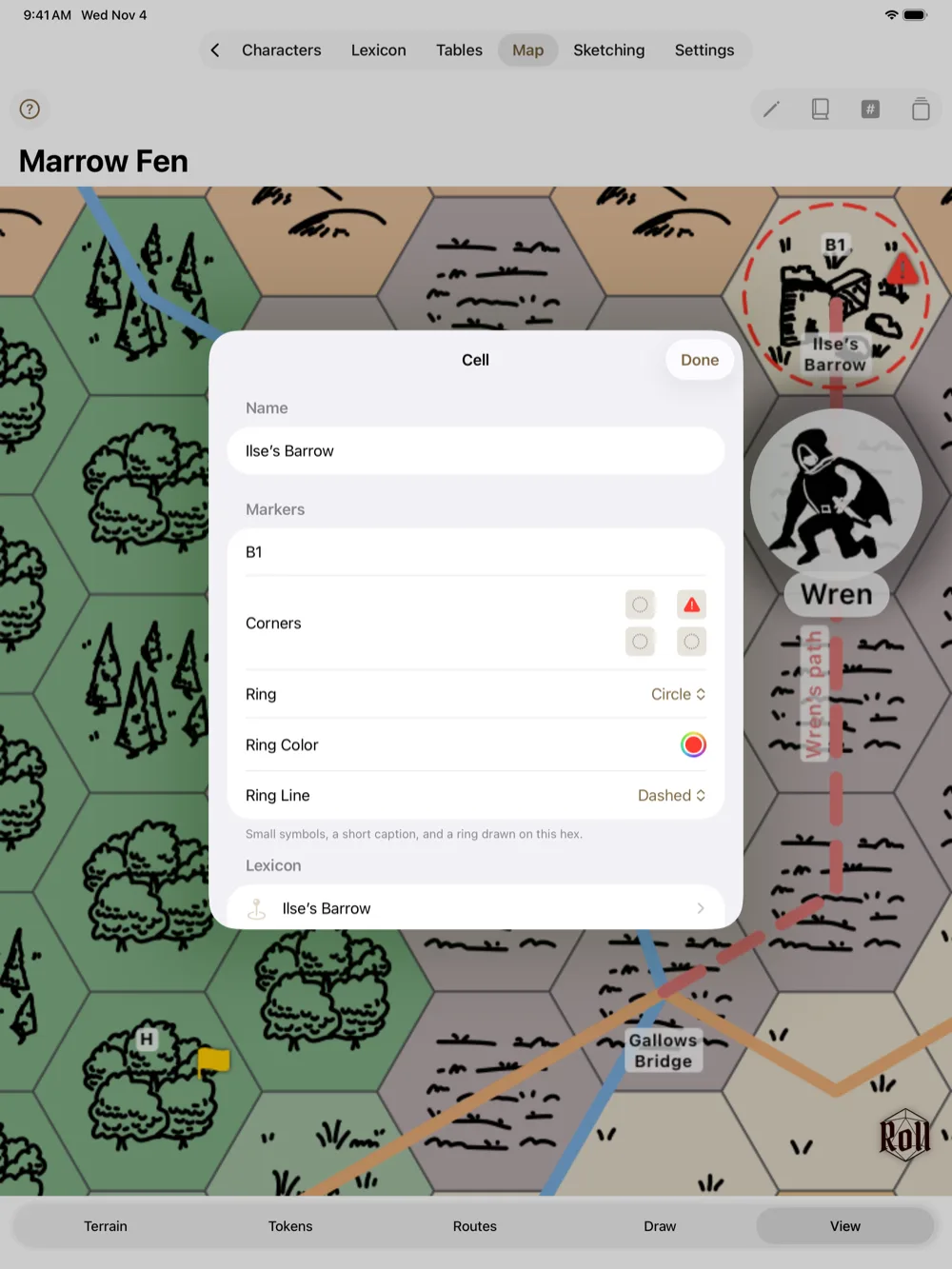
Mark individual hexes with names, short labels, and symbols, and link any hex to an article in your campaign wiki.
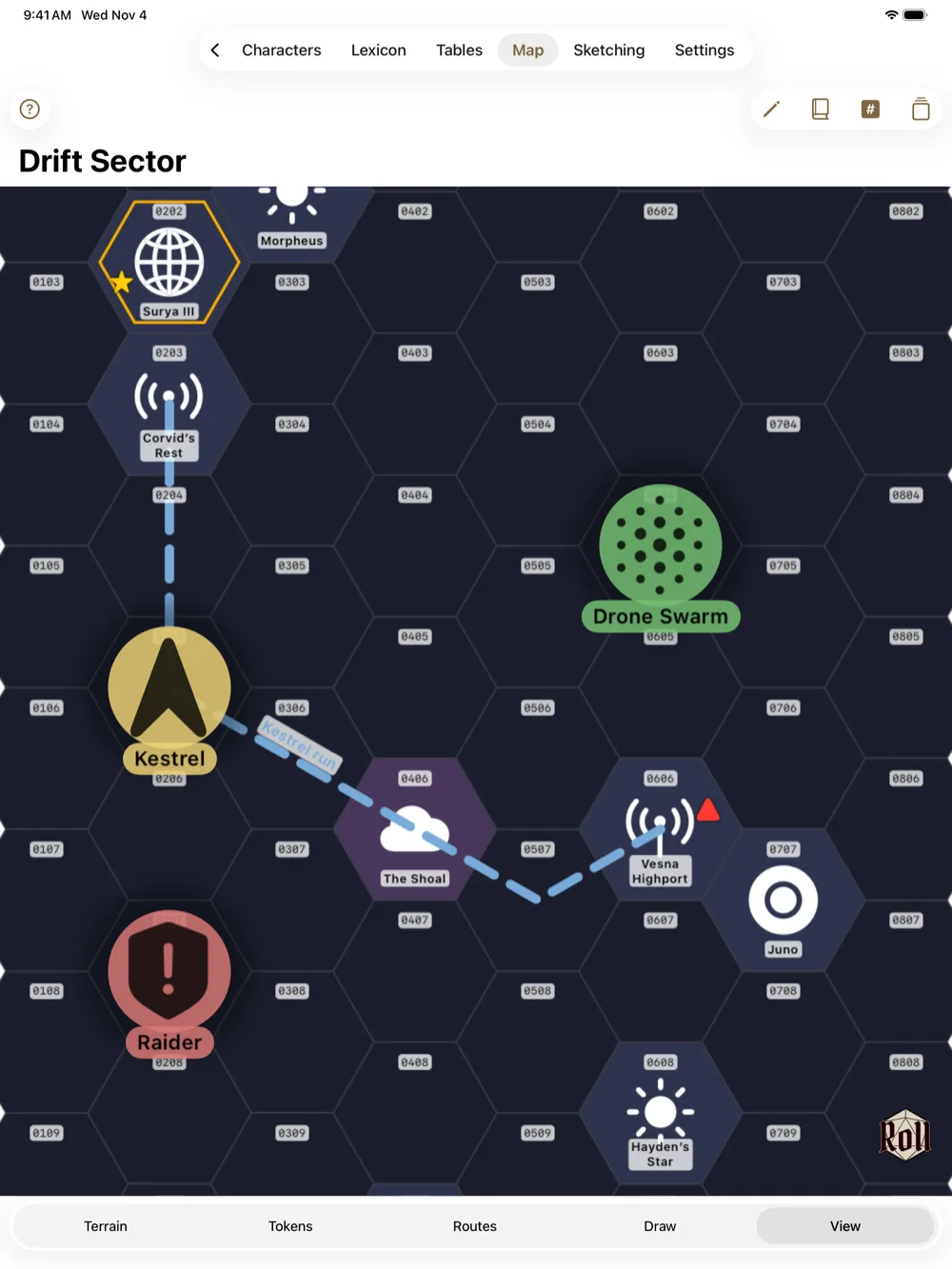
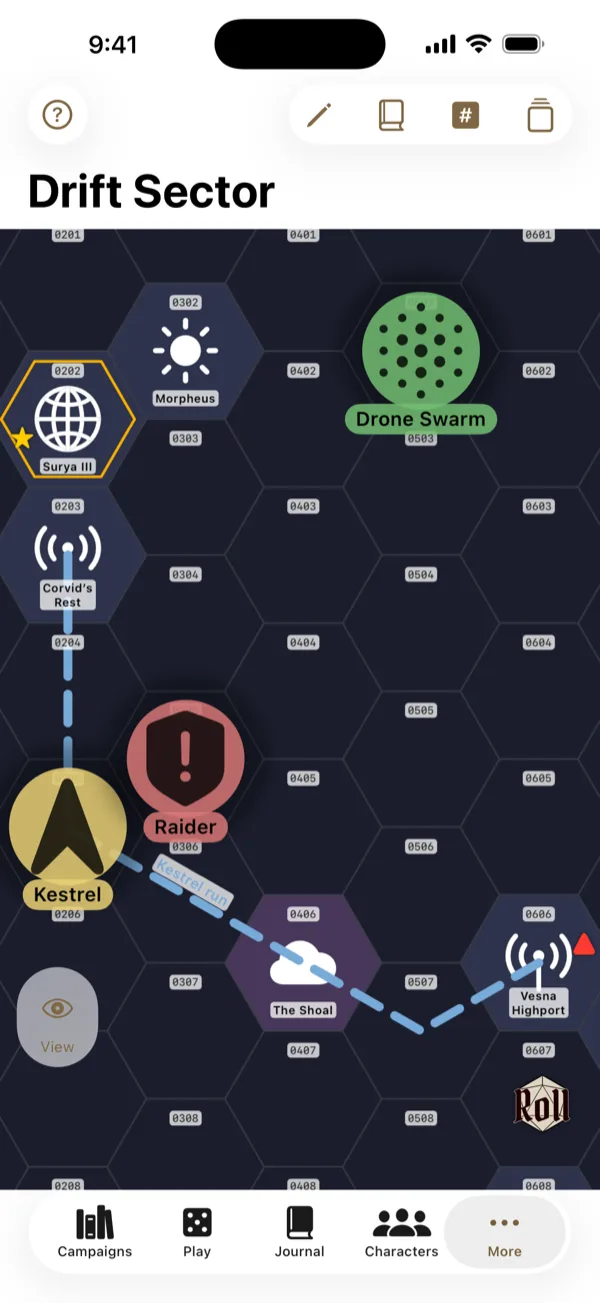
Play beyond fantasy
Eremite works for sci-fi and modern settings too. Map a star sector or a city with space and city terrain, and use tokens for ships, crews, vehicles, and people.
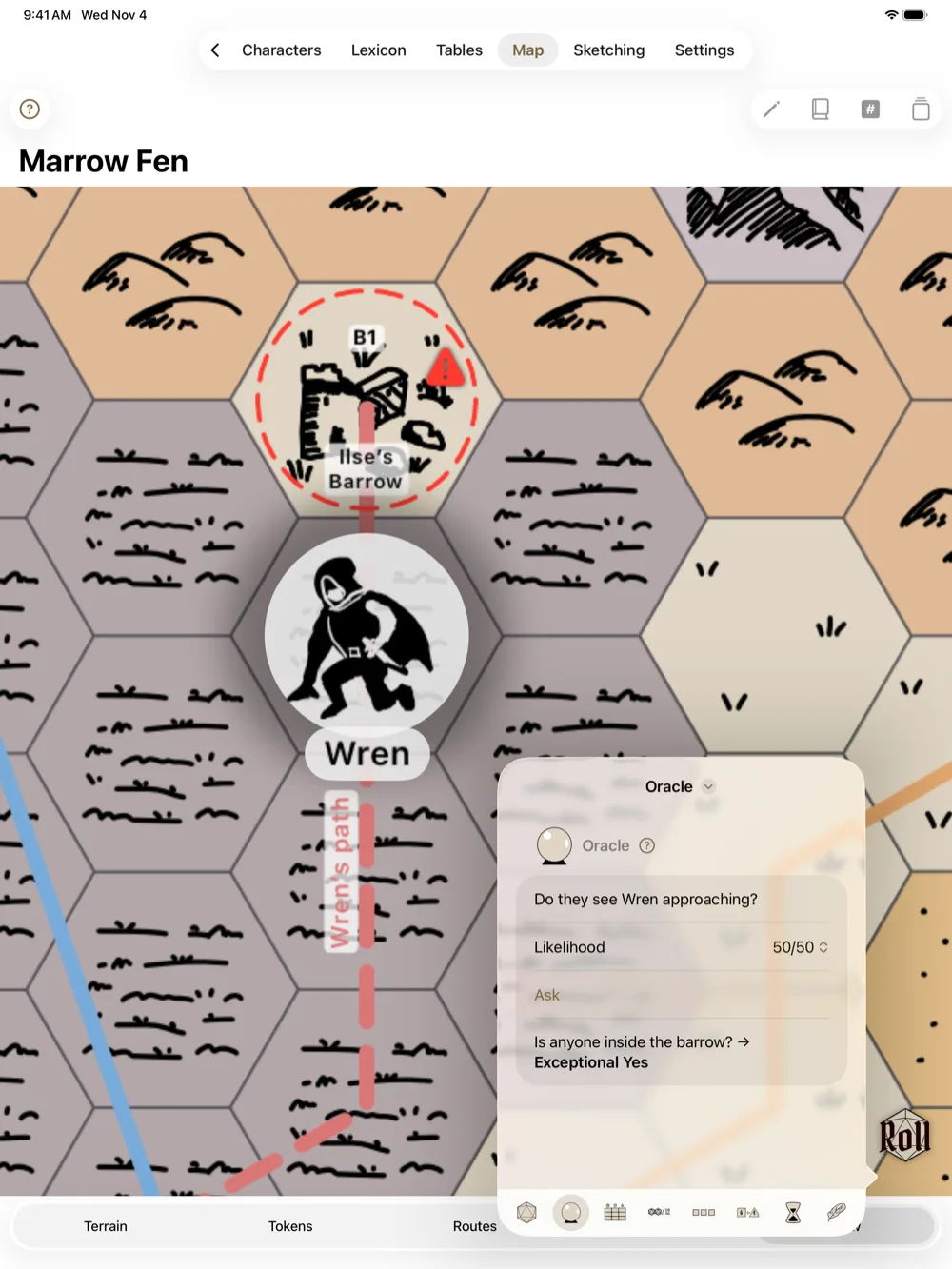
Ask the oracle, roll the dice
A yes/no oracle, a dice roller for any expression, your own random tables, PbtA moves, progress tracks, doom dice, and a turn tracker. Switch on just the tools your game needs, and open them from any screen.
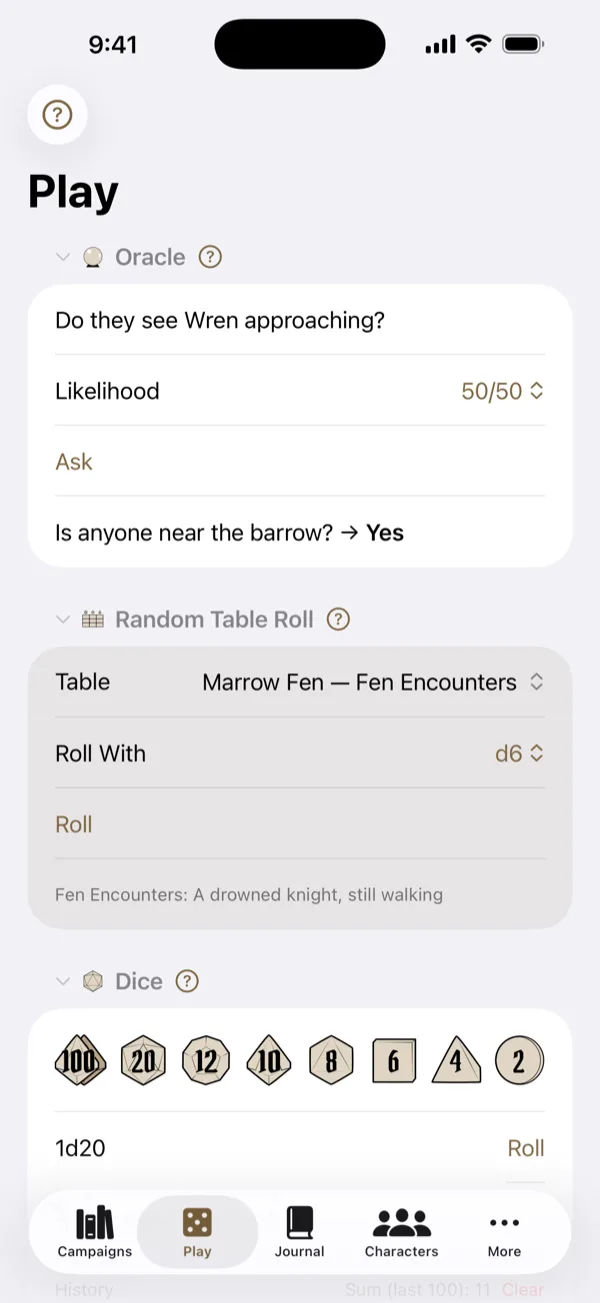
Build your own collection of random tables
All your tables live in one place, and you choose which of them each campaign uses.
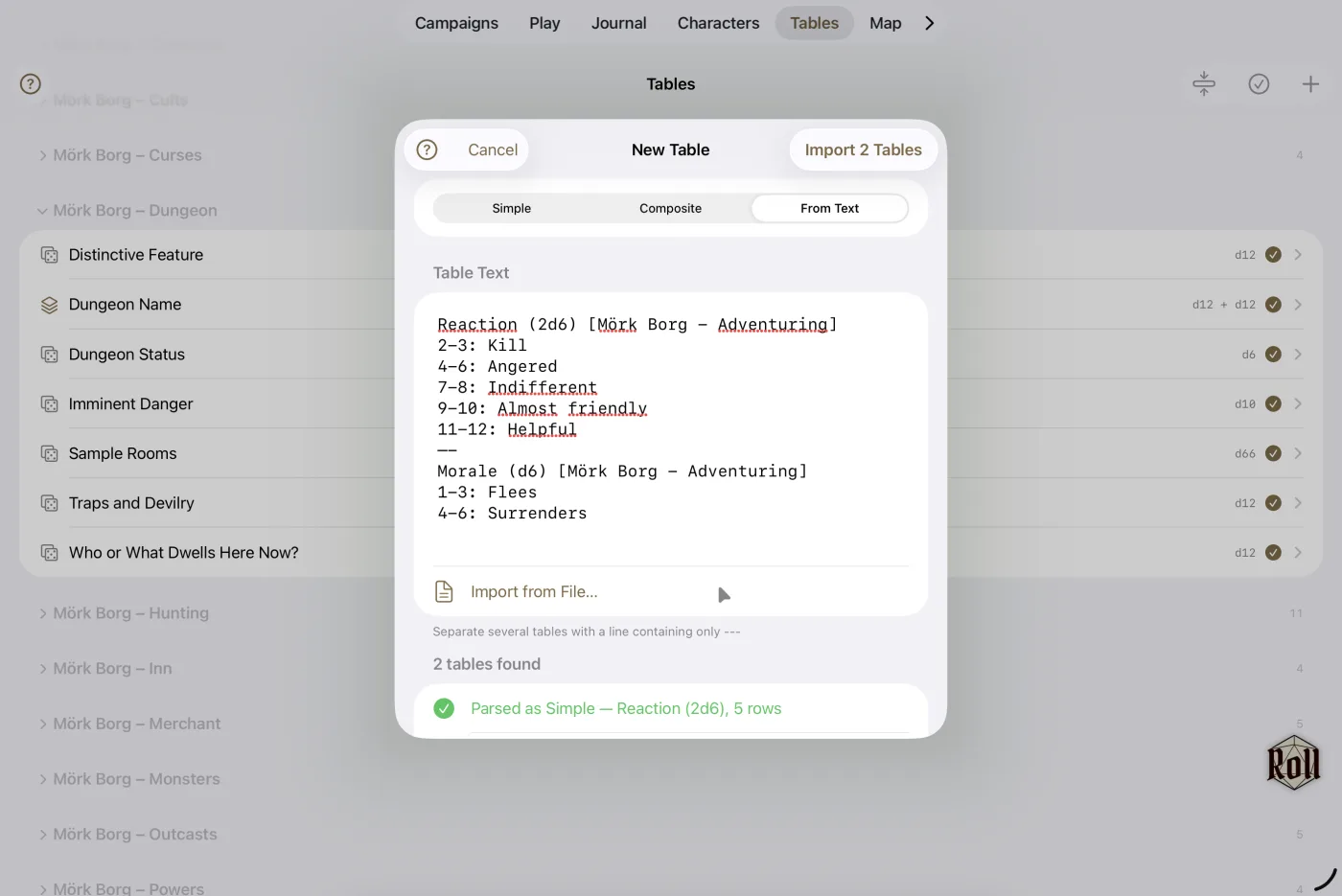
Write your own
Choose a die, from a d2 to a d100, and write what happens on each roll.
Paste it from a book
Type or paste a table from a rulebook, PDF, or module as plain text, and Eremite reads the name, die, and every row. Bring in a whole batch from a text file at once.
Combine tables
Roll two or more tables together as one result, like a treasure's type and material.
Make one up mid-game
Jot down a quick table in Play without leaving the session, and save it to your library if it's a keeper.
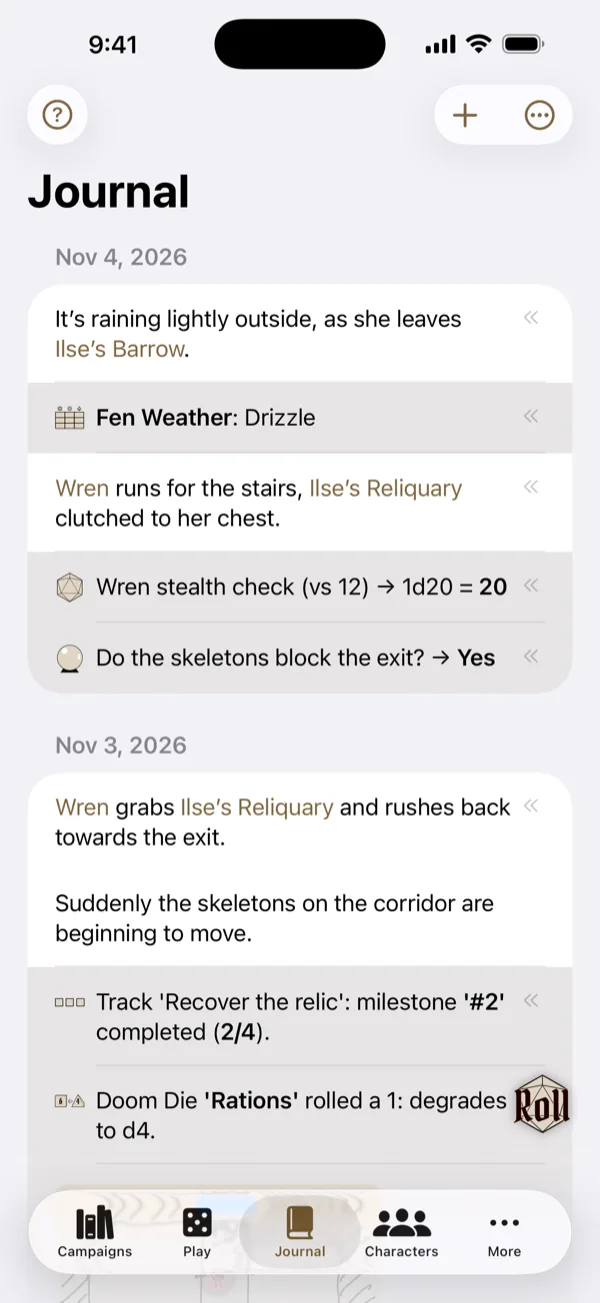
Every roll goes in the journal
Every roll and oracle answer is logged for you, next to your typed, handwritten, or voice-memo entries.
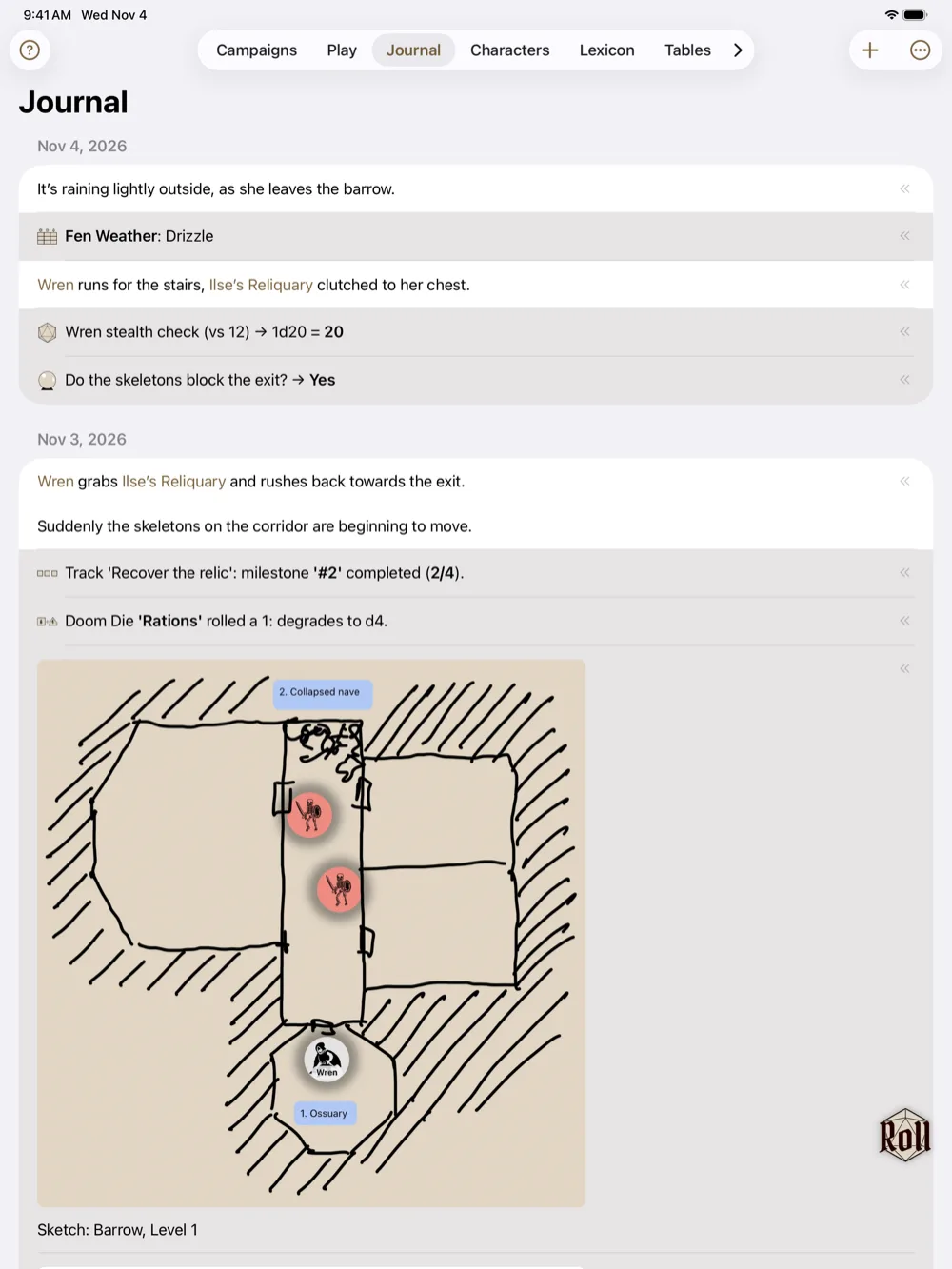
Sketch your dungeon
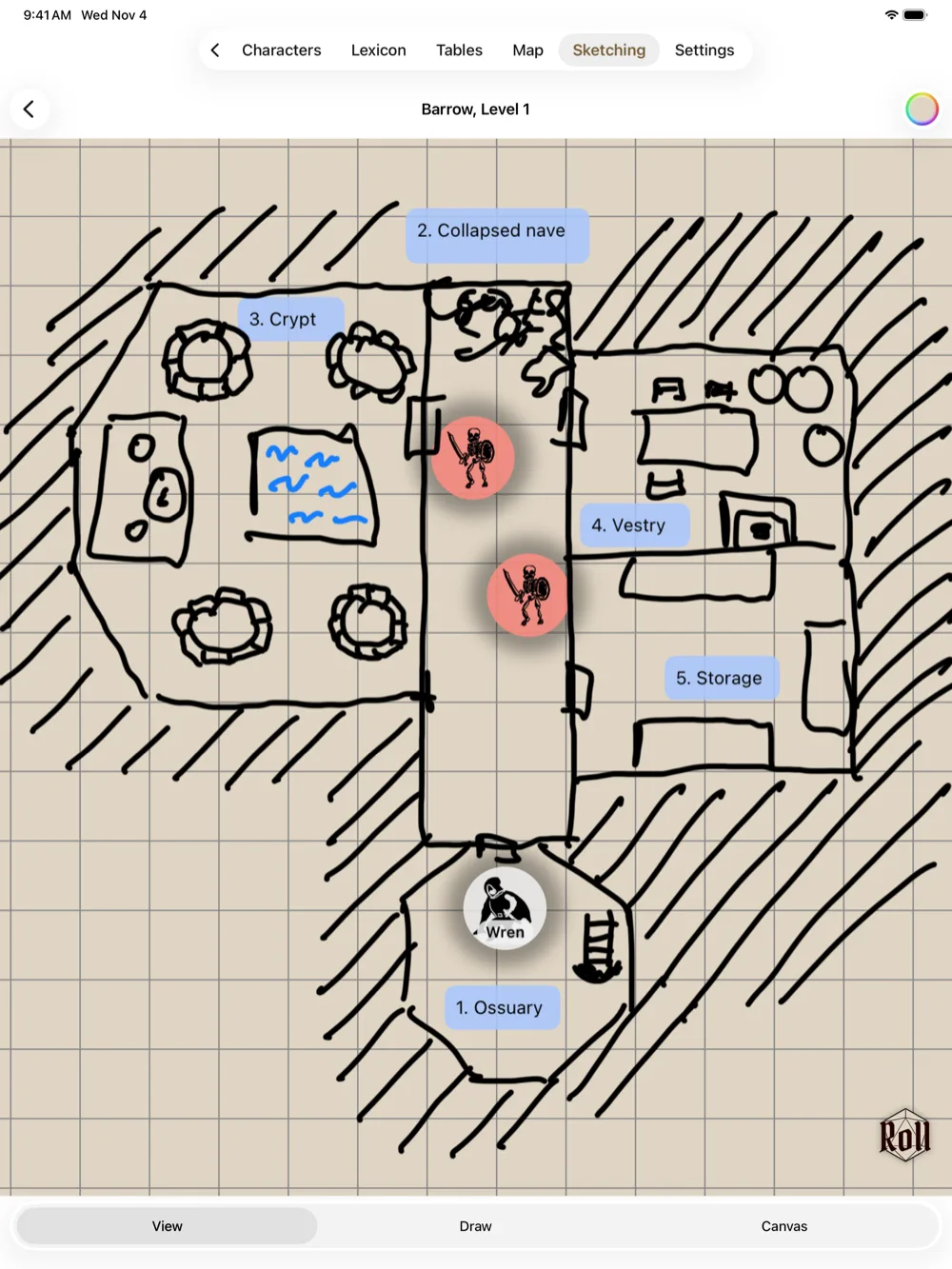
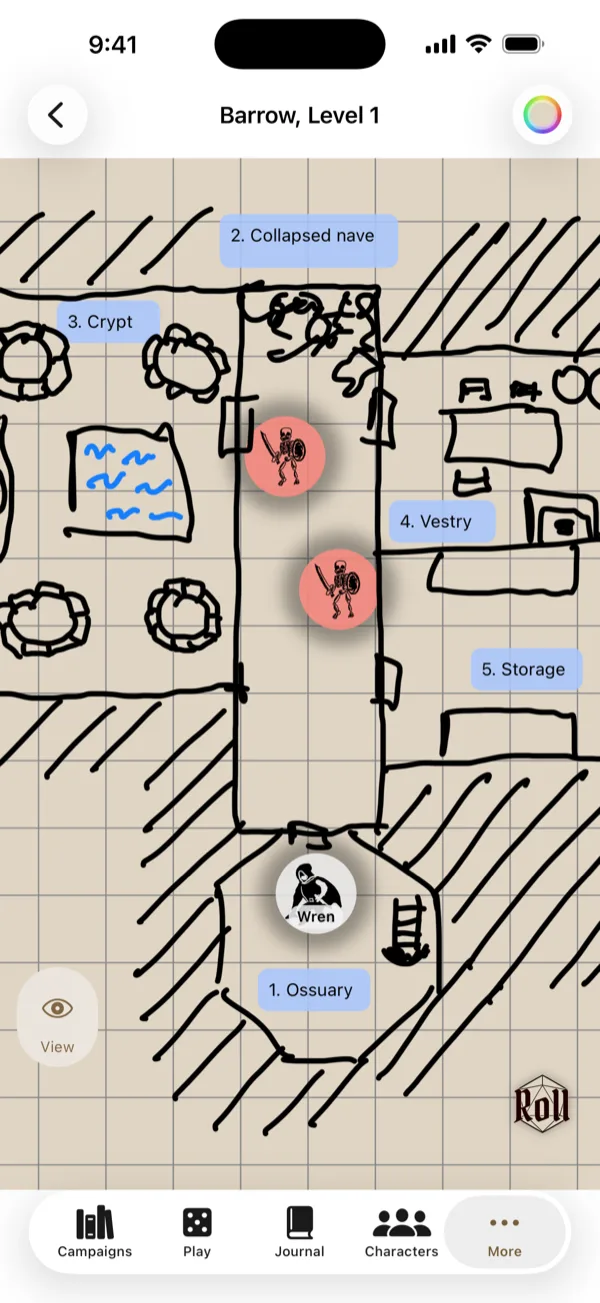
A freeform board for dungeon maps and mood boards. Draw rooms with Apple Pencil on a grid, add images, notes, and tokens, and save a snapshot of the board to your journal.
A wiki for your campaign
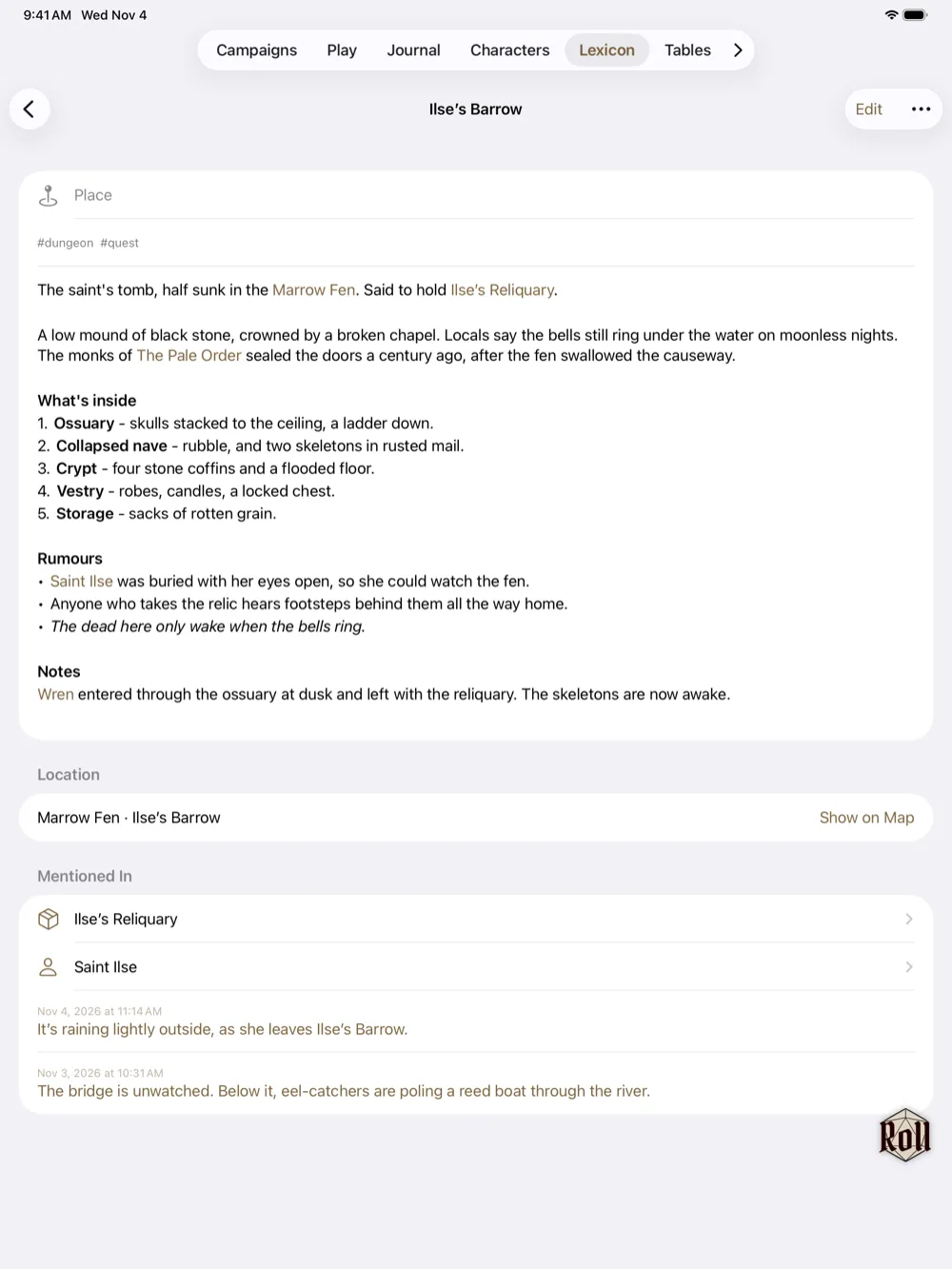
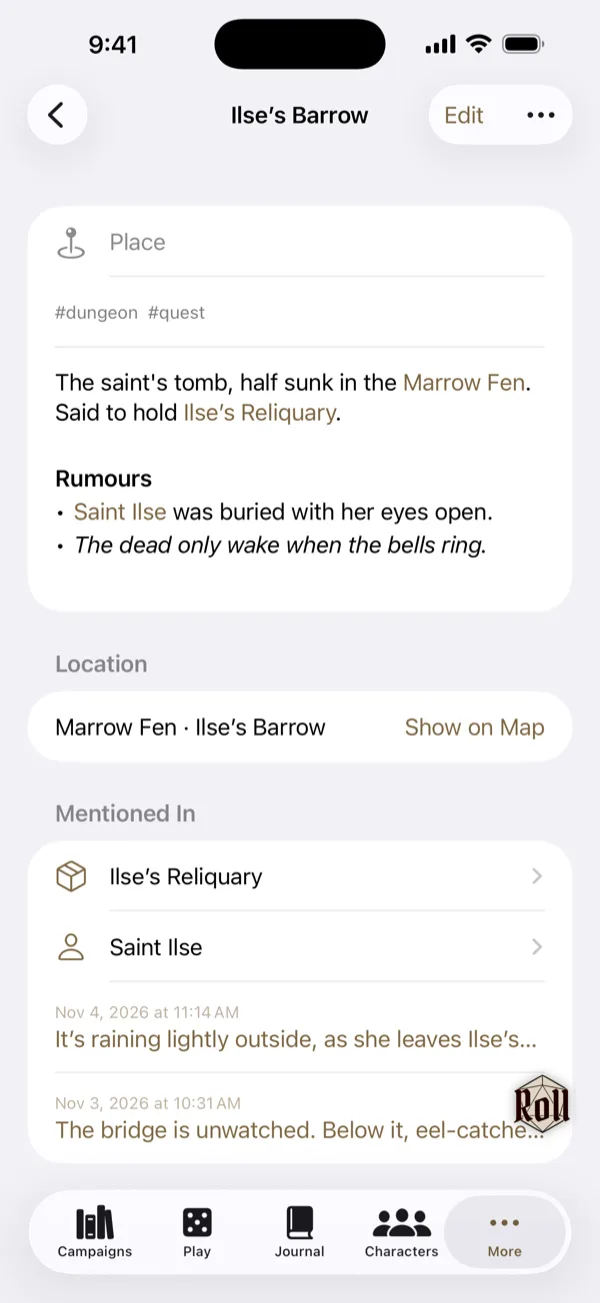
Write articles for the places, people, factions, and items in your game, and link them to each other, to your journal entries, and to hexes on the map.
Write on your character sheet
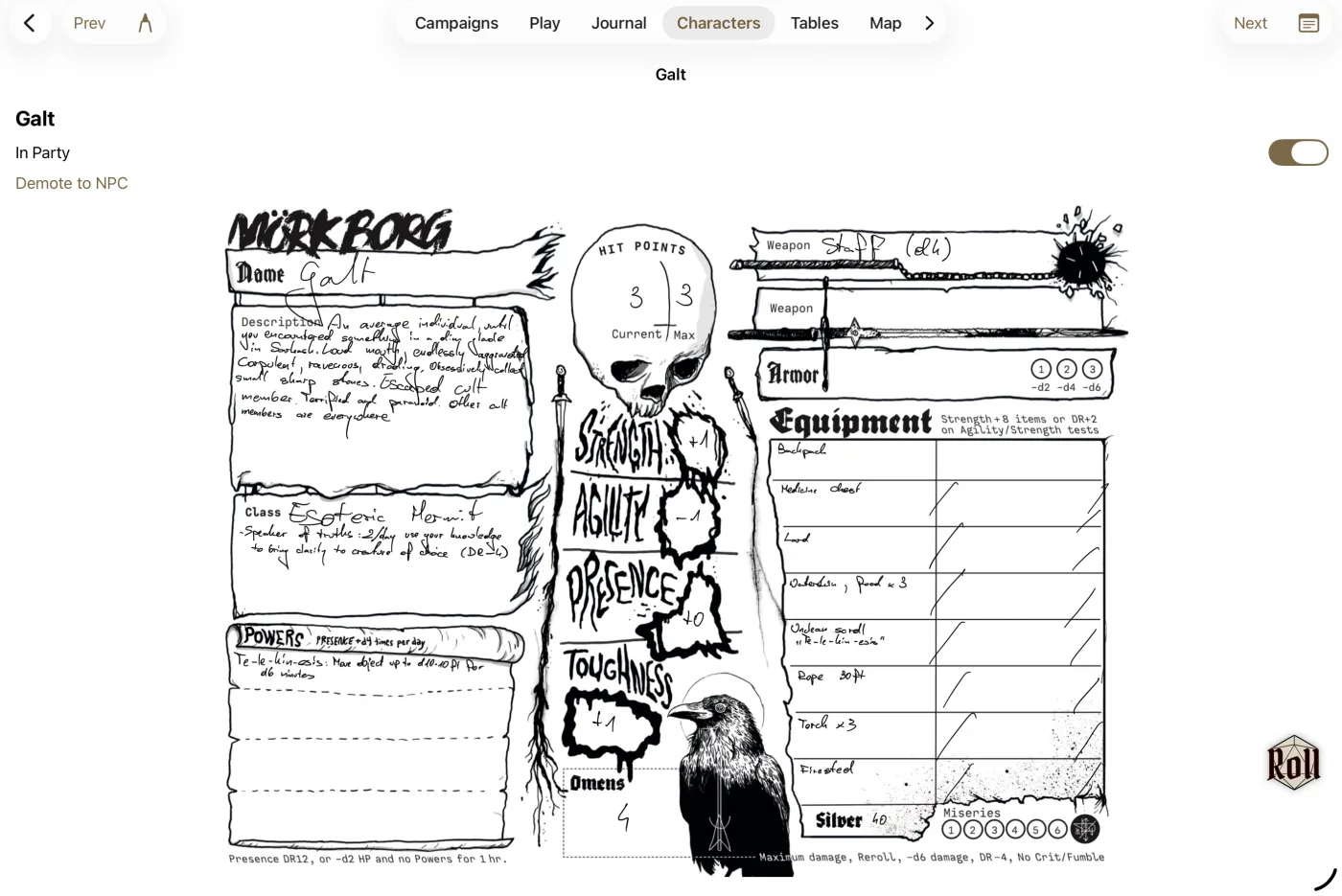
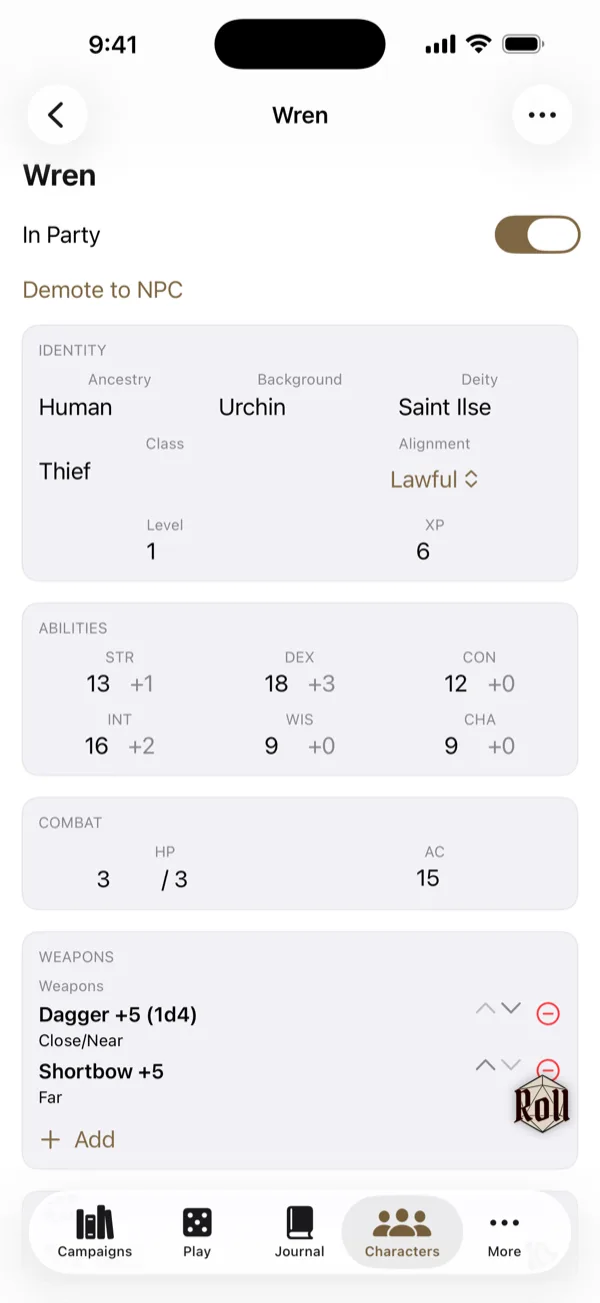
Import the PDF or a photo of any character sheet and fill it in with Apple Pencil, just like on paper. Track hit points, scribble notes, erase, and write again. Or type into a sheet with fields for your system's stats, hit points, and gear. Many systems come built in, and you can set up your own.
Take your campaign to another device
Start on iPad, continue on iPhone
Export a whole campaign to a single file and open it on your other device with AirDrop, Files, or Messages.
Your journal, in Markdown
Export your journal as Markdown with its images and voice memos, ready for Obsidian or any notes app.
Party and NPCs
Keep a sheet for every hero in your party and every NPC they meet.
Any system
Built for OSR and indie games, and works with any ruleset.
Drawn by hand, not generated
The art in Eremite, from the dice to the fantasy terrain and tokens, is drawn by hand. The sci-fi and modern icons come from Apple's SF Symbols for now. And there are no AI features in the app: no generated tables, art, or stories, and no chatbot.
Free to play. Unlock once, keep it forever.
Free
Every tool, with one campaign, one map, and one sketch.
Unlock
Unlimited campaigns, maps, and sketches. One purchase.
No subscription, no ads, no account, no tracking, no AI features.